
How To Create A Printable Google Calendar

Step-by-Step Guide to Creating a Printable Google Calendar
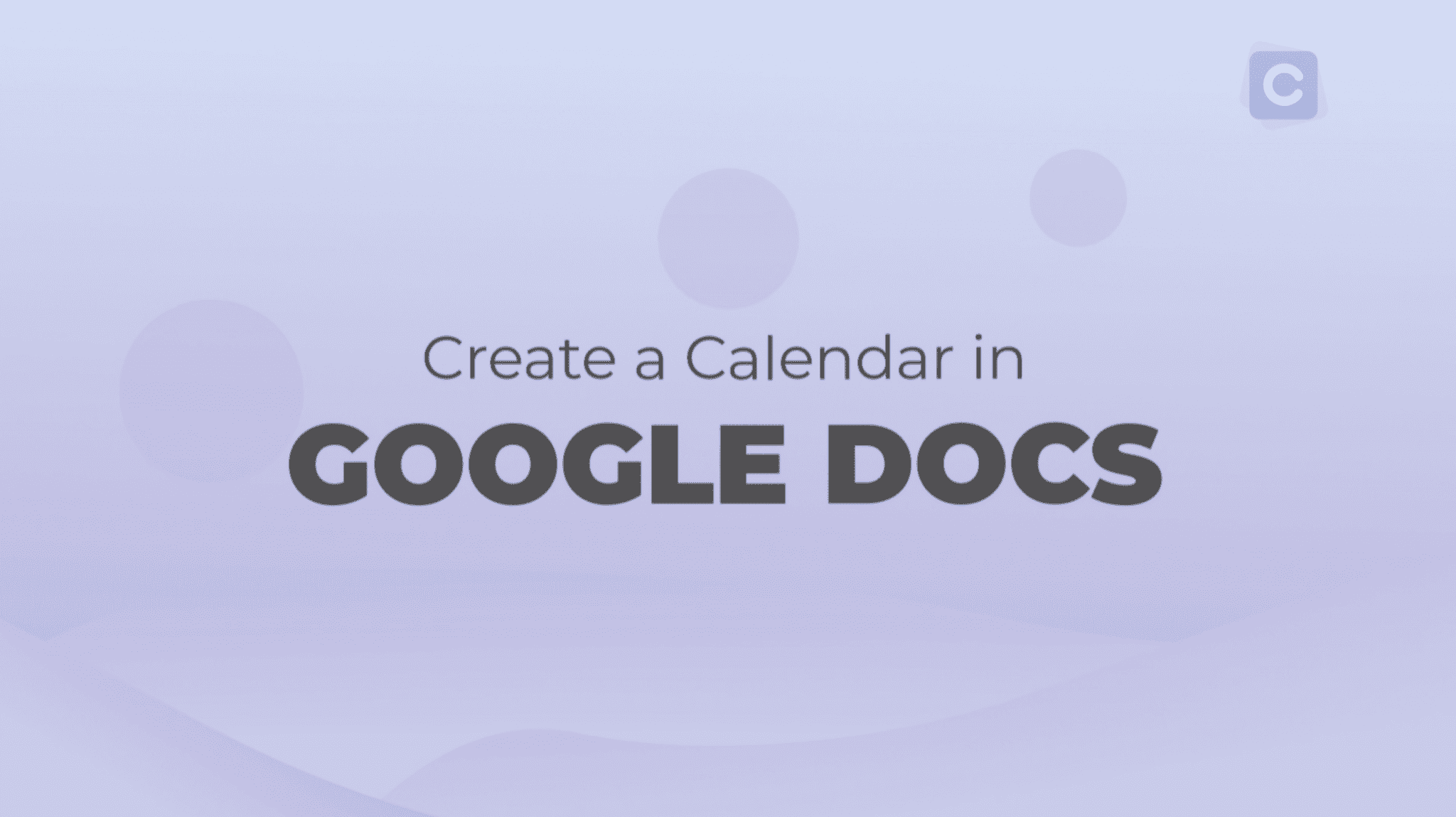
Staying organized is key to managing your time effectively, and having a printable calendar can be a great way to do so. Google Calendar is a popular tool used by millions of people around the world to schedule appointments, events, and tasks. While it's primarily used digitally, you can also create a printable version of your Google Calendar to hang on your wall or keep in a planner. In this article, we'll show you how to create a printable Google Calendar.
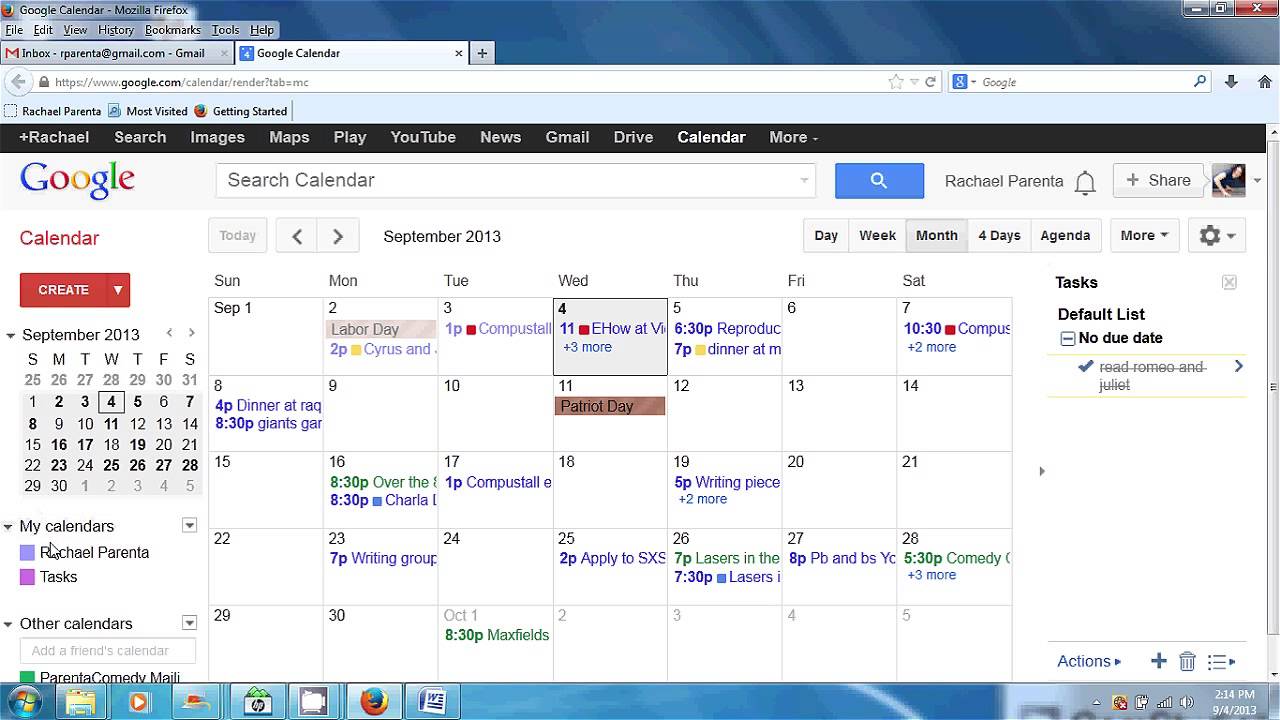
To create a printable Google Calendar, you'll need to use the built-in print feature. This feature allows you to customize the layout and content of your calendar before printing it out. You can choose from a variety of formats, including daily, weekly, and monthly views, and select which calendars to include, such as your personal calendar or shared calendars with colleagues or family members.
Tips and Variations for Customizing Your Printable Calendar
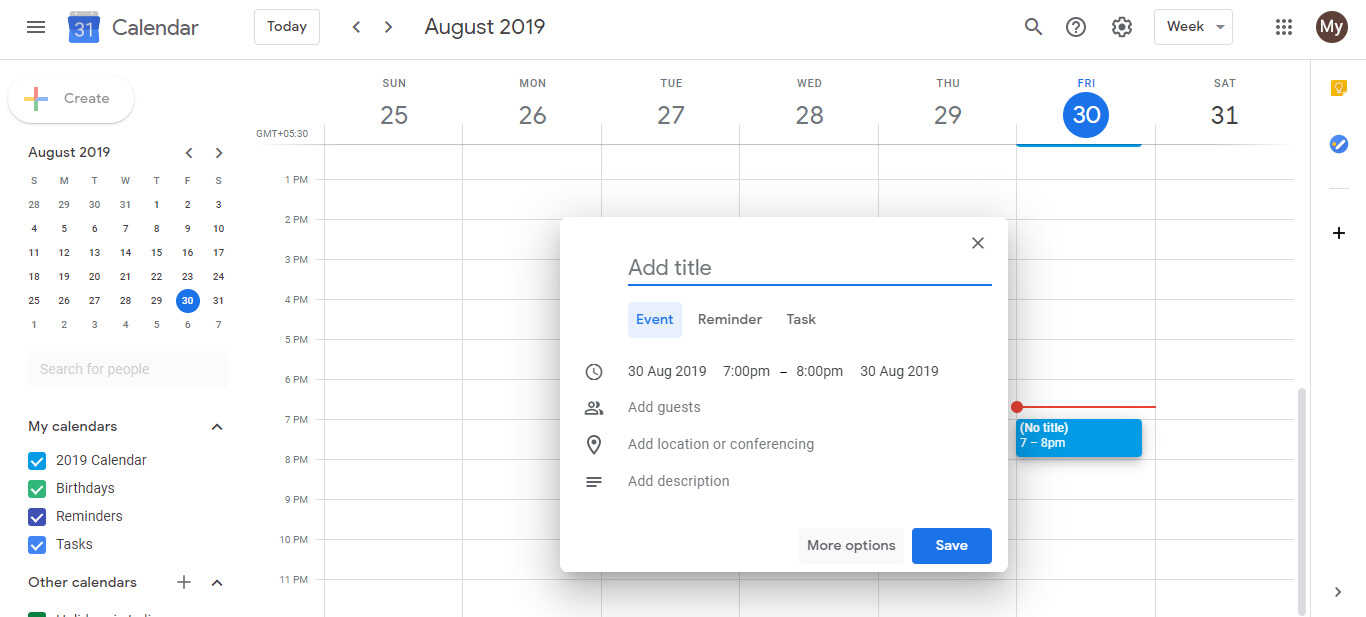
To get started, log in to your Google Calendar account and click on the gear icon in the top right corner. From there, select 'Print' from the dropdown menu. This will open up the print preview page, where you can customize the settings to your liking. You can choose the date range, calendar view, and which calendars to include, as well as add a title and footer to the page. Once you're happy with the settings, click 'Print' to send the calendar to your printer.
While the basic print feature in Google Calendar is straightforward to use, there are a few tips and tricks you can use to customize your printable calendar. For example, you can use the 'More options' link to select specific calendars to include, or use the 'Layout' tab to change the orientation and margins of the page. You can also use third-party add-ons or extensions to add extra features to your printable calendar, such as custom fonts or colors. By following these steps and tips, you can create a printable Google Calendar that meets your needs and helps you stay organized and on track.